Quick Guide · Accessibility
How to Make Text Bigger on an iPhone (and Make It Stick)
There are three separate text-size settings on iPhone, and turning on the wrong one explains why 'I made it bigger but it didn't change.'
By Suzy Ahn · 7 min read
Today's Reading
"The phone should serve the person — not the other way around."
The
Smartphone Journalism for Adults 60+
Section
Built-in accessibility tools have improved dramatically — most seniors never know they exist. We document every relevant iOS and Android setting with side-by-side screenshots, recommended values, and notes from occupational therapists.
Quick Guide · Accessibility
There are three separate text-size settings on iPhone, and turning on the wrong one explains why 'I made it bigger but it didn't change.'
By Suzy Ahn · 7 min read
Quick Guide · Accessibility
Pairing hearing aids to an iPhone is genuinely easy once you know it does not happen in Bluetooth settings. Here is the right path.
By Suzy Ahn · 7 min read
Quick Guide · Accessibility
Do you ever feel a little queasy or overwhelmed by all the animations on your smartphone screen? You're not alone. As a senior technology educator, I've seen firsthand how a simple setting called 'Reduce Motion' can make a world of difference for many older adults.
By Suzy Ahn · 12 min read
Quick Guide · Accessibility
Connecting your hearing aids to your Android smartphone can transform your daily experience, making calls clearer and media more accessible. Let's walk through exactly how it's done in 2026.
By Suzy Ahn · 10 min read
Quick Guide · Accessibility
For many of us, the vibrant screens of our smartphones, once a joy to behold, can become a source of frustration as our eyes change with age. But what if I told you there are powerful, built-in tools designed to transform your screen into something much more comfortable to see? Let's explore high contrast and color filters.
By Suzy Ahn · 12 min read
Quick Guide · Accessibility
For many of my students, adapting to a smartphone with low vision often feels like learning a new language. But with tools like VoiceOver and TalkBack, that language becomes much clearer and more accessible. Let's explore how these remarkable features can truly transform your smartphone experience.
By Suzy Ahn · 9 min read
Quick Guide · Accessibility
For many of my students, using a smartphone can become a real challenge when hand tremors enter the picture. But modern iPhones and Androids have some truly clever settings to make them much more accessible. Let's dig in.
By Suzy Ahn · 10 min read

Quick Guide · Accessibility
As a seasoned technology educator, I've seen countless "aha!" moments when sharing the iPhone's hidden accessibility gems. The Magnifier tool, often overlooked, offers remarkable clarity and independence for those with low vision, transforming everyday tasks from reading a restaurant menu to threading a needle.
By Suzy Ahn · 8 min read
Quick Guide · Accessibility
Phone calls can be a source of frustration for many, especially those who are hard of hearing. But what if your phone could type out every word being said, live, as you speak? It's not science fiction; it's a reality, and it's changing lives.
By Suzy Ahn · 10 min read
Quick Guide · Accessibility
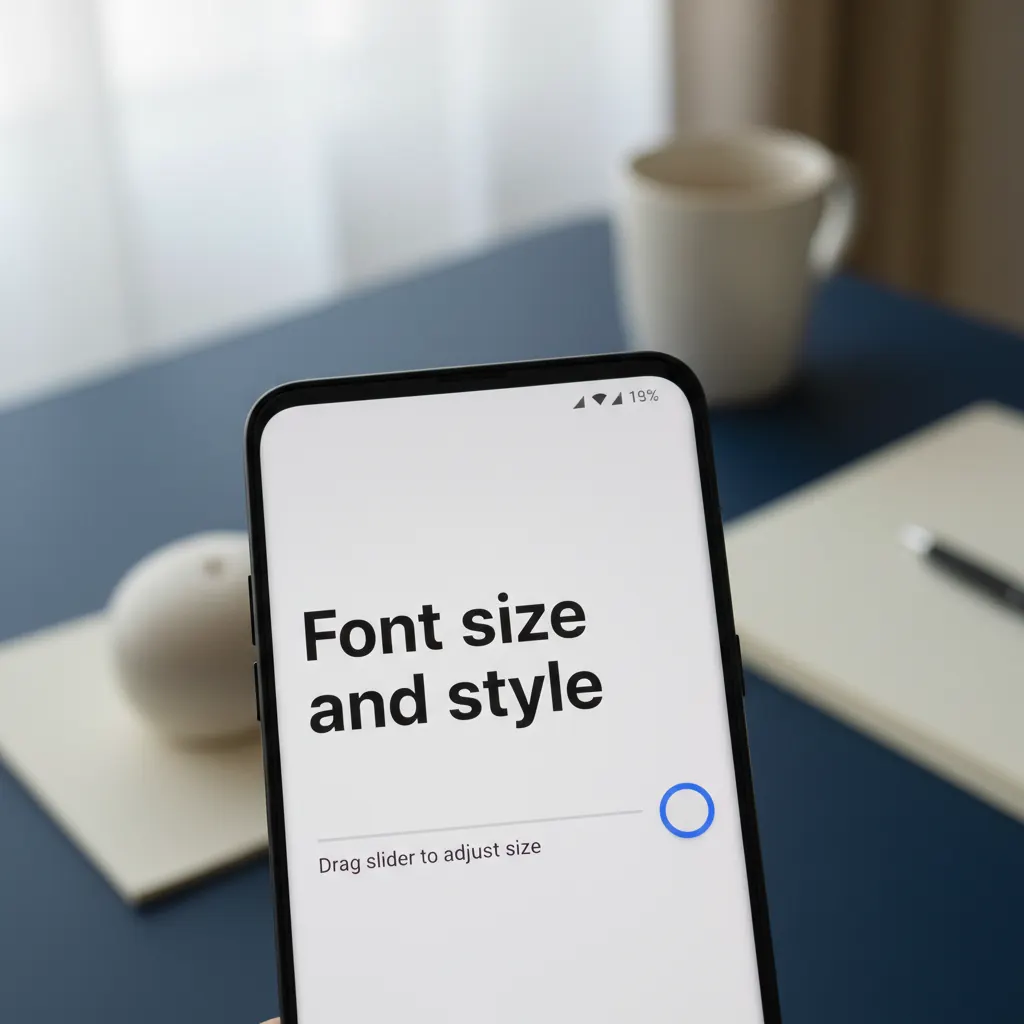
Ah, the tiny text dilemma! For many of us, squinting at our smartphone screens has become an all-too-common ritual. But it doesn't have to be this way! Your Android phone, whether it's a Samsung or a Google Pixel, is packed with features designed to make reading a joy, not a chore. I'm Suzy Ahn, and for almost two decades, I've had the pleasure of teaching older adults the ins and outs of their technology. Today, we're tackling one of the most frequent requests I get: how to make that text gloriously, wonderfully, undeniably bigger.
By Suzy Ahn · 10 min read
Choosing a Smartphone
Honest, hands-on advice on picking the right phone for older adults — iPhone vs. Android, simplified phones, and what to ignore.
Setup & Basics
Step-by-step walkthroughs for the first day with a new phone — Wi-Fi, Apple ID, Google Account, contacts, and home-screen basics.
Safety & Scam Protection
Spot phishing texts, block robocalls, recognize grandparent scams, and lock down a phone after it is lost or stolen.
Apps for Seniors
Hand-picked apps for video calls, medication reminders, large-print news, transportation, and staying in touch with grandchildren.
Troubleshooting
Plain-language fixes for the most common phone problems — 'no sound,' 'frozen screen,' 'storage full,' and battery surprises.