Accessibility & Vision · Quick guide
Live Captions for Phone Calls: A Game-Changer for Hard of Hearing
Phone calls can be a source of frustration for many, especially those who are hard of hearing. But what if your phone could type out every word being said, live, as you speak? It's not science fiction; it's a reality, and it's changing lives.
 By Suzy Ahn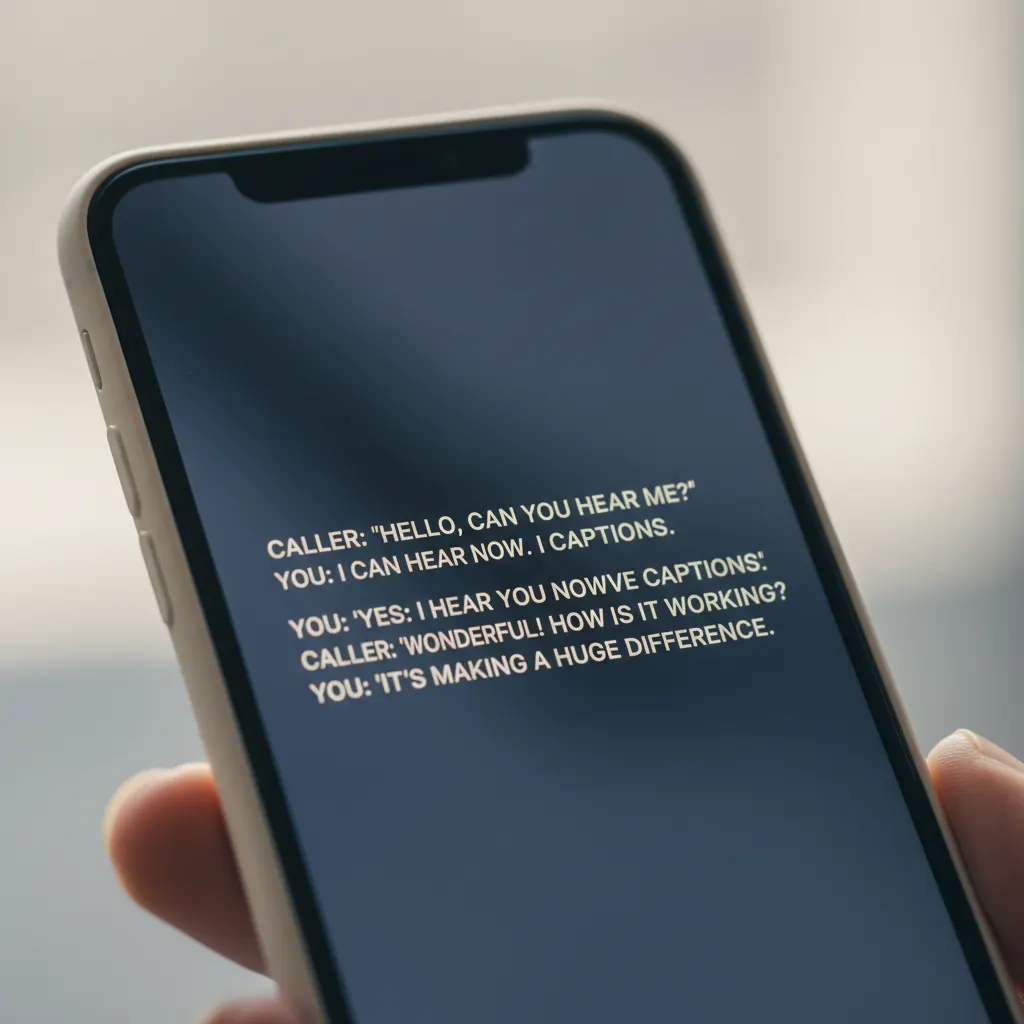
For many years, the telephone, once a marvel of connection, became a source of anxiety for countless individuals with hearing loss. The muffled voices, the missed words, the constant need to ask "Could you repeat that?"—it all added up to a feeling of being disconnected. I've seen it firsthand in my 18 years teaching older adults how to use their smartphones. The joy of a grandchild's call, or the quiet reassurance of a chat with a loved one, was often overshadowed by the struggle to understand. But I have wonderful news. Thanks to a remarkable innovation called Live Captions, that frustration can largely become a thing of the past.
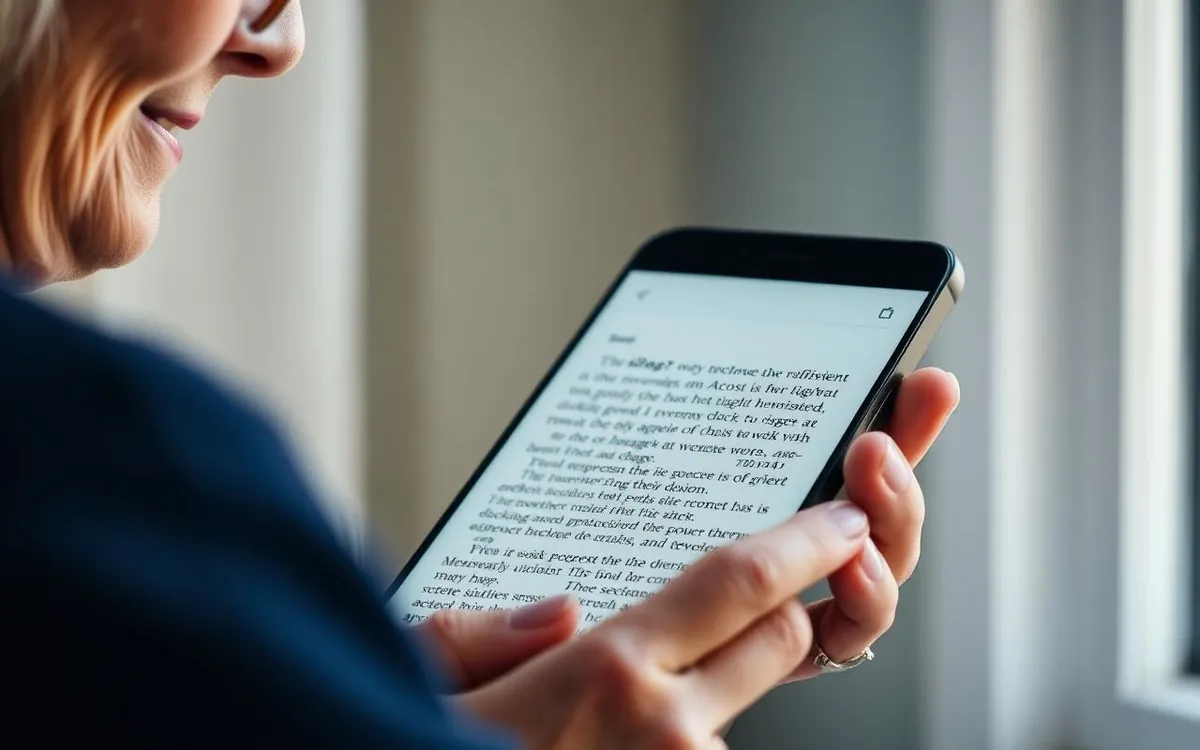
Live Captions, available on both iPhones and Android devices, are truly a game-changer. Imagine seeing every word spoken during a phone conversation transcribed in real-time, right on your screen. It’s like having a personal stenographer for every call. This isn't just about convenience; it's about regaining independence, maintaining social connections, and ensuring that vital information isn't lost due to a hearing impairment.
Introduction: Rediscovering the Joy of Phone Calls
Many of my students have shared stories about how their phone call habits changed dramatically after they started experiencing hearing loss. Some stopped answering calls altogether, relying solely on text messages or emails. Others would only speak to close family members who understood their difficulties and were patient enough to repeat themselves countless times. It's a quiet form of isolation, a gradual pulling away from one of life's most fundamental ways to connect.
This is precisely why I'm so passionate about Live Captions. This technology isn't just an "accessibility feature"; it's a bridge back to connection. It empowers users, giving them the confidence to answer any call, knowing they won't miss a crucial detail. Whether it's a doctor's appointment reminder, a bank inquiry, or just a friendly chat with an old friend, Live Captions provide clarity and peace of mind. It’s a wonderful example of how technology, when thoughtfully designed, can genuinely improve quality of life for seniors.
My Personal Experience: The "Aha!" Moment
I remember a particular class last year, held every Tuesday morning at the community center. One gentleman, a delightful 82-year-old named Arthur, was particularly reluctant to use his new iPhone for calls. He'd gotten it primarily for taking pictures of his garden and sending emails. "Suzy," he'd confessed one morning, "I hardly ever talk on the phone anymore. My hearing aids help, but sometimes I just can't catch everything, especially if there
Watch & learn
Recommended video: Android Accessibility Settings Explained
A companion tutorial from Android. We link to a YouTube search so you always get a current, working version.
Watch “Android Accessibility Settings Explained” on YouTubeOpens a YouTube search in a new tab · AndroidKey takeaways
- Live Captions transcribe phone calls in real-time on your smartphone screen, helping those with hearing loss.
- Setting up Live Captions is straightforward on both iPhone (iOS 17/18) and Android (Android 14/15) devices.
- This feature not only aids phone calls but also works for video calls, podcasts, and other audio on your device.
- Adjusting text size, contrast, and understanding limitations (like caller awareness) helps maximize the benefit.
- Live Captions can significantly reduce communication anxiety and foster greater independence for seniors.
Frequently asked questions
- Are Live Captions available on all smartphones?
- Live Captions are widely available on newer iPhone models (starting with iOS 17) and many Android devices (Android 14 and newer). Some older models might not support the feature, but most modern smartphones do.
- Does the person I'm talking to know I'm using Live Captions?
- On iPhones, the person on the other end of the call is not explicitly notified that you are using Live Captions. On Android, your device might briefly inform the other party that call captions are active, depending on your device and carrier settings, but often this is a very subtle system notification and not a spoken announcement.
- Do Live Captions cost extra money?
- No, Live Captions are a built-in accessibility feature on both iPhone and Android and do not cost anything extra to use. They are part of your phone's operating system.
- Can Live Captions be used for video calls or other audio?
- Yes! Live Captions are incredibly versatile. Beyond standard phone calls, they can transcribe audio from video calls (like FaceTime or Zoom), podcasts, YouTube videos, and even in-person conversations through your phone's microphone. It makes all audio more accessible.