Choosing a Smartphone · Quick guide
Phone Screen Size Guide for Seniors: 5.4 to 6.7 Inches, Explained
Choosing a new smartphone can feel like navigating a maze, and one of the most common questions I hear from my senior students is about screen size. It’s not just about what looks good; it’s about what feels right and works best for your eyes and hands.
 By Suzy Ahn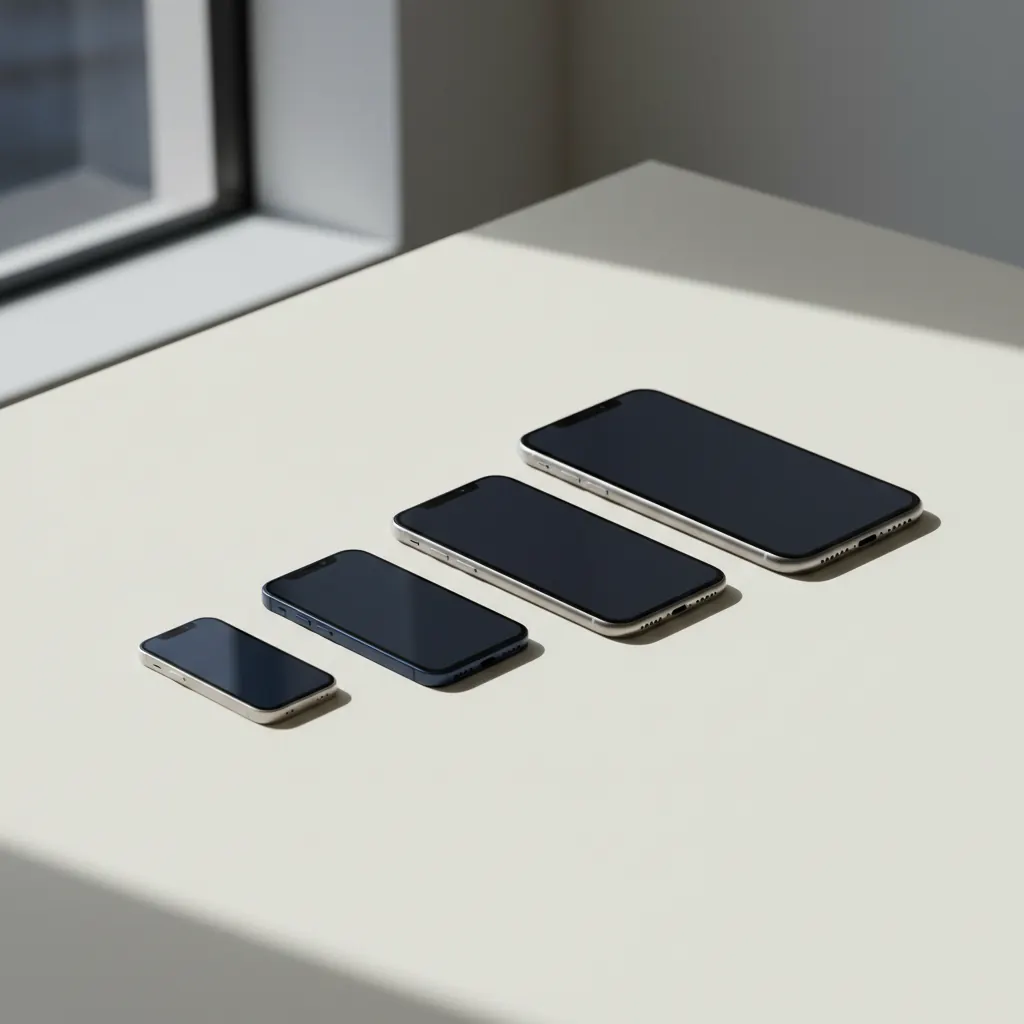
Choosing a new smartphone can feel like navigating a maze, and one of the most common questions I hear from my senior students is about screen size. It’s not just about what looks good in the store; it’s about what feels right and works best for your eyes and hands in your daily life. I’ve been teaching older adults to use technology for eighteen years now, and believe me, screen size is a foundational decision that impacts almost every aspect of your phone experience.
Last Tuesday, a 78-year-old reader emailed me, sharing her frustration: she’d just bought a new smartphone, thrilled with its camera, but found herself constantly squinting at text messages. It turned out she’d chosen a compact model, thinking it would be easier to hold. While it was indeed comfortable in her hand, the smaller screen meant everything on it was miniaturized. This exact scenario is why I felt compelled to write this article. We often focus on cameras, battery life, or processing power, but fail to consider the very window through which we interact with all these features: the screen.
This guide isn't just about throwing numbers at you. We'll unpack what those diagonal measurements really signify for your day-to-day use, from reading emails and browsing news to video calls with the grandkids. We'll explore the pros and cons of different size categories, look at popular phone models that fit into each, and discuss how you can make a choice that truly enhances your digital life.
Introduction: Why Screen Size Matters More Than You Think
When you're shopping for a new smartphone, the sheer variety can be overwhelming. There are so many brands, models, and specifications to consider. But before you get lost in megapixels and gigabytes, let's talk about the screen. It’s your primary interface with the device. If you can't comfortably see what's on the screen, or if holding the phone feels awkward, you won't enjoy using it, no matter how powerful it is.
For seniors, particular considerations come into play. Many of us experience some degree of age-related vision changes, making larger, clearer text and images more comfortable to view. Hand strength and dexterity can also be factors; a phone that's too large or too small might be difficult to grip securely or to reach all parts of the screen with one hand. My goal is to help you find that perfect balance, so your smartphone feels like a helpful companion, not a frustrating puzzle.
The Spectrum of Smartphone Screen Sizes: What Do Numbers Like 5.4 and 6.7 Inches Actually Mean?
You’ll often see phone screen sizes measured in inches, usually ranging from about 5.4 inches to 6.7 inches, or even larger for some models. This measurement refers to the diagonal distance from one corner of the screen to the opposite corner. It doesn't tell you anything about the phone's overall physical size, which also depends on the bezels (the border around the screen) and the phone's aspect ratio (its shape). However, it's a good general indicator of the viewing area you'll get.
Modern smartphones, like the latest iPhones running iOS 17 (or soon iOS 18) and Android devices with Android 14 (or the upcoming Android 15), are designed to optimize screen real estate. This means bezels are much thinner than they used to be, allowing manufacturers to fit larger screens into relatively compact phone bodies. So, a 6.1-inch screen today might be on a phone that's physically similar in size to an older 5.5-inch model.
Let's break down the common size categories and discuss what each offers.
The Charm of Compact: Advantages of a Smaller Phone Screen (5.4 - 5.8 inches)
Once upon a time, nearly all phones were small. Today, compact phones are a niche, but very loved, category. These phones typically feature screens in the 5.4 to 5.8-inch range. Think of models like the now discontinued iPhone 13 mini (5.4 inches), or even older Samsung Galaxy S series compact offerings. While new ultra-small flagships are rare, there are still some excellent smaller Android phones available, often in the mid-range.
- Easier One-Handed Use: This is perhaps the biggest draw. A smaller phone is much easier to navigate with just one thumb, freeing up your other hand for other tasks or for stability.
- Pocket-Friendly: They slip into pockets, small purses, or even shirt pockets with ease, without feeling bulky or risking a fall.
- Secure Grip: For those with smaller hands or who prefer a more secure, less cumbersome feel, a compact phone reduces the risk of dropping it.
- Lighter Weight: Generally, smaller phones weigh less, which can be a relief during long calls or extended browsing sessions.
Who Might Love a Smaller Screen?
If you prioritize portability, ease of one-handed use, and a secure grip, a smaller screen might be perfect for you. This is especially true if you primarily use your phone for calls, text messages, basic web browsing, and perhaps listening to music or podcasts. If you don't spend hours reading e-books or watching movies on your phone and appreciate the discretion of a smaller device, don't rule out the compact options available.
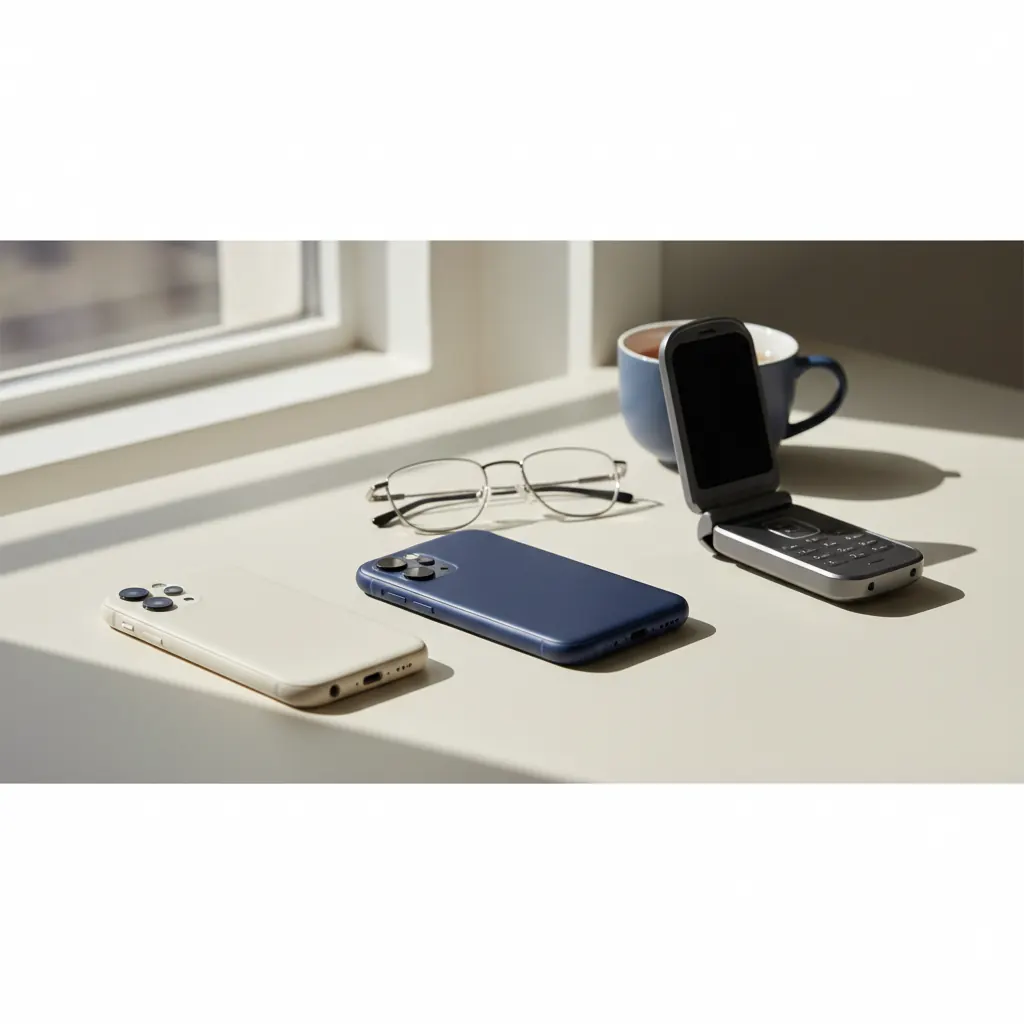
For users who are moving from an older flip phone or a very old smartphone, a smaller modern smartphone can feel like a natural, less intimidating upgrade in size.
The Sweet Spot: Medium-Sized Screens (5.9 - 6.3 inches)
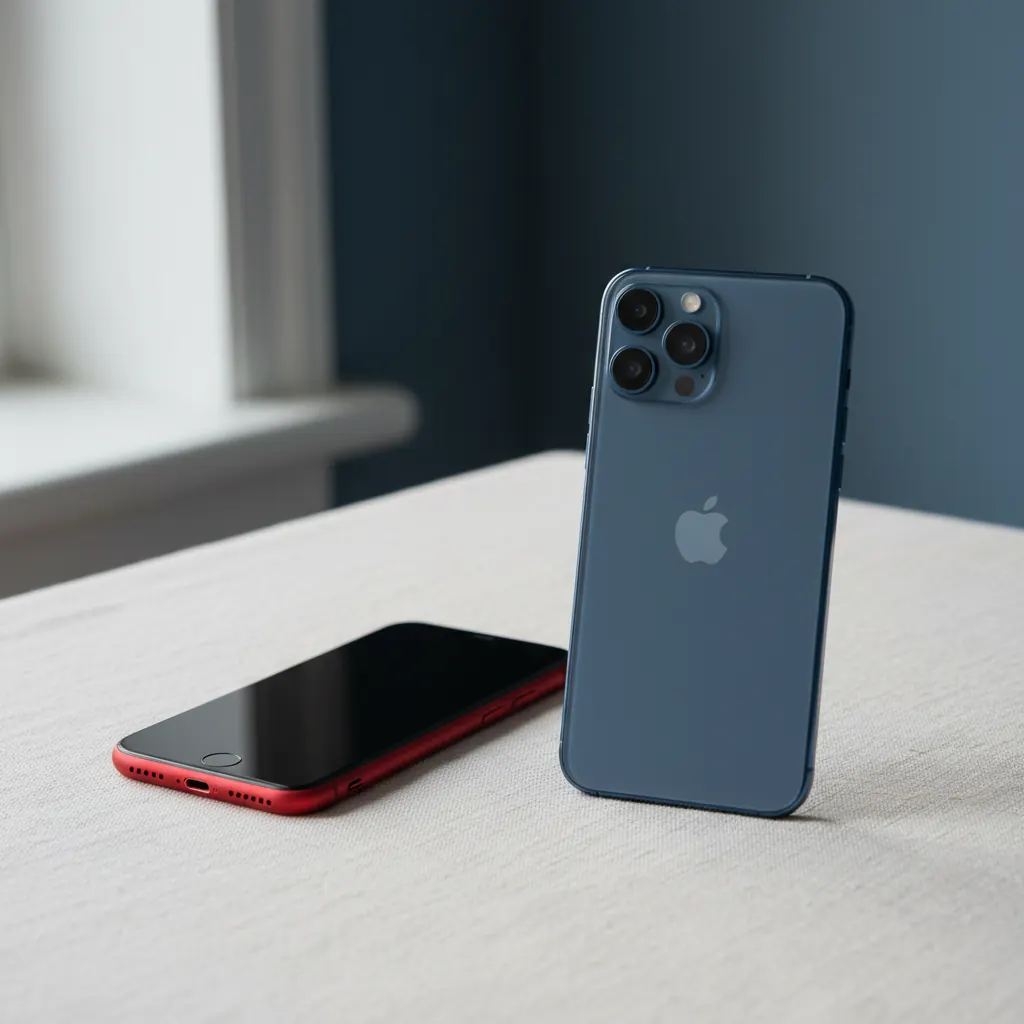
This is where most mainstream smartphones reside today. Sizes like 6.1, 6.2, and 6.3 inches are incredibly popular, offering a fantastic balance between screen real estate and overall portability. Think of popular models like the standard iPhone 15 or iPhone 15 Pro (both 6.1 inches), or the Google Pixel 8 (6.2 inches) and Samsung Galaxy S24 (6.2 inches). Most of these phones maintain a relatively comfortable feel in the hand while providing a spacious display.
- Balanced View and Portability: These screens offer ample space for comfortable viewing of most content without making the phone feel too unwieldy. They generally still fit well in most pockets and hand sizes.
- Improved Readability: Text is noticeably larger and clearer than on smaller screens, which is a significant advantage for those with diminishing eyesight. You won't have to zoom in as often.
- Better for Media Consumption: Watching videos, viewing photos, and browsing social media becomes a more immersive experience.
- Easier Typing: Keyboards feel less cramped on these screens, reducing typos and making message composition faster and less frustrating.
Who Might Love a Medium Screen?
The vast majority of seniors, I find, are happiest with a phone in this size range. It strikes an excellent balance. If you read a fair amount of news, email, or social media on your device, enjoy looking at photos and occasional videos, and want a phone that's still reasonably easy to carry and hold, a medium-sized screen is probably your best bet. Many phone manufacturers focus their best features on this size, offering a wide array of choices.
This category often includes phones that are incredibly powerful and user-friendly. If you’re just getting started with a smartphone, a 6.1 or 6.2-inch model could be an ideal entry point. For more guidance on setting up your first device, you might find our article iPhone Setup for Seniors or Android Setup for Seniors very helpful.
The Grand View: Large Phone Screens (6.4 - 6.7+ inches)
Welcome to the era of the 'phablet' – a term that used to mean a phone so big it was almost a tablet, but now just means a standard large phone. Screens in this category include the popular 6.7-inch sizes found in models like the iPhone 15 Plus, iPhone 15 Pro Max, Samsung Galaxy S24+ (6.7 inches) and S24 Ultra (6.8 inches), and the Google Pixel 8 Pro (6.7 inches). These devices push the boundaries of portability in favor of a truly expansive viewing experience.
- Maximum Readability: This is where text, icons, and images really shine. You'll likely need to zoom in far less often for comfortable reading, and elements on the screen appear grand and clear. This is a huge benefit for those with impaired vision.
- Superior Media Experience: Streaming movies, watching YouTube, and browsing photo galleries are incredibly enjoyable on a large screen. It’s almost like carrying a mini-tablet in your pocket.
- Productivity Boost: For tasks like editing documents, managing spreadsheets (if you dare!), or even simple email composition, the extra screen real estate makes a noticeable difference. You can see more content at once without scrolling as much.
- Multi-tasking Potential: Some Android phones (like Samsung’s One UI on Galaxy phones) allow for split-screen apps. A larger screen makes using two apps side-by-side much more practical.
- Better for Gaming: While not a primary concern for all seniors, if you enjoy mobile games, a larger screen provides a much more immersive and comfortable experience.
The trade-offs for these larger screens are primarily related to physical handling. They can be harder to use with one hand, may feel cumbersome in smaller hands, and typically don't fit as easily into smaller pockets or bags. They also tend to be heavier.
Who Might Love a Large Screen?
If your vision is a primary concern, or if you frequently use your phone for media consumption (videos, photos, reading detailed articles), a large screen is an excellent choice. Many of my students who love to show off pictures of their grandchildren or watch cooking videos while in the kitchen absolutely adore their large-screen phones. If you find yourself consistently needing to zoom in on your current phone, or if you’re using your phone as a primary computing device for things beyond quick calls and texts, definitely consider a larger model.
For individuals with dexterity issues, while a large phone is heavy, the expanded touch targets (buttons, icons) on the screen can sometimes make it easier to tap accurately. However, reachability might require using two hands more often. I had a gentleman in my class, Ed, who struggled with Parkinson's. He initially thought a smaller phone would be easier for his tremors, but we found that with the larger screen of a Samsung Galaxy S23 Ultra, the icons were so much bigger that his taps, even if slightly off, would still register accurately. It was a revelation for him.
Pro Tip: Accessibility Settings Are Your Friend! No matter what screen size you choose, remember to utilize your phone's accessibility settings. On an iPhone (iOS 17/18), go to Settings → Display & Brightness → Text Size to make text larger, and Display Zoom to enlarge everything on the screen. On Android (e.g., Google Pixel with Android 14/15 or Samsung Galaxy with One UI), explore Settings → Display → Display size and text to adjust font size and display size. These features can dramatically improve your viewing comfort, even on a smaller screen.
Making Your Decision: Try Before You Buy
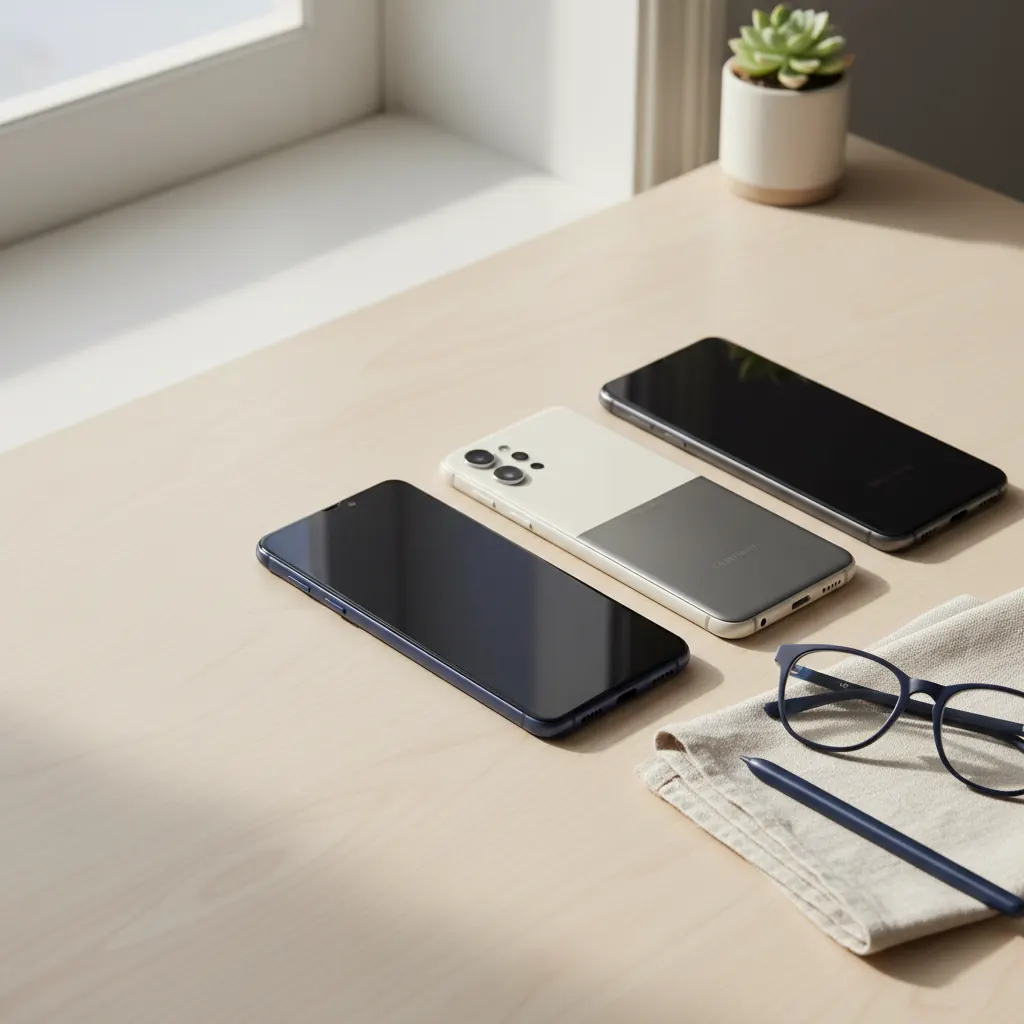
The best advice I can give you is to visit a store and physically hold different phones. Go to your local carrier store (like Verizon, AT&T, T-Mobile) or an electronics retailer (Best Buy). Pick up the iPhone 15 (6.1 inches) and then the iPhone 15 Pro Max (6.7 inches). Compare a Google Pixel 8 (6.2 inches) with a Pixel 8 Pro (6.7 inches). Hold a Samsung Galaxy S24 (6.2 inches) and then the Galaxy S24 Ultra (6.8 inches).
Do these simple tests:
- The Grip Test: Can you hold it comfortably and securely in one hand?
- The Thumb Stretch: Can your thumb comfortably reach most of the screen while holding it in one hand? You might be surprised how much better you feel with a little extra stretch!
- The Pocket Test: Does it fit in your everyday pockets or purse without feeling like it's about to fall out?
- The Readability Test: Open a web page or an email. Can you read the default text size without squinting? Imagine reading that for 30 minutes.
Conclusion: Your Perfect Size Awaits
Choosing the right phone screen size isn't just a technical specification; it's a personal preference that dictates how you interact with your digital world every single day. There’s no single “best” size for everyone. What’s important is finding the size that makes _you_ feel most comfortable, connected, and confident using your smartphone.
Whether you lean towards the compact charm for ultimate portability, the balanced appeal of a medium screen for everyday versatility, or the expansive view of a large screen for maximum readability and media enjoyment, take your time. Consider your habits, your vision needs, and your hand comfort. And remember, once you have your new phone, don't hesitate to dive into those accessibility settings to fine-tune the display even further. Happy choosing!
Watch & learn
Recommended video: iPhone vs Android: Which Is Better for Seniors?
A companion tutorial from Senior Tech Club. We link to a YouTube search so you always get a current, working version.
Watch “iPhone vs Android: Which Is Better for Seniors?” on YouTubeOpens a YouTube search in a new tab · Senior Tech ClubKey takeaways
- Smartphone screen size is measured diagonally in inches (e.g., 5.4 to 6.7 inches) and significantly impacts daily use, especially for seniors.
- Smaller screens (5.4-5.8 inches) offer easy one-handed use, portability, and a secure grip, ideal for those prioritizing convenience and basic phone functions.
- Medium screens (5.9-6.3 inches), like the iPhone 15 or Google Pixel 8, strike a balance with good readability, easier typing, and improved media viewing without being too bulky.
- Large screens (6.4-6.7+ inches), such as the iPhone 15 Pro Max or Samsung Galaxy S24 Ultra, provide maximum readability, a superior media experience, and productivity benefits, great for those with vision concerns or heavy media consumption.
- Always try holding phones in a store to assess grip, one-handed reach, pocket fit, and readability before making a final decision.
Frequently asked questions
- What is the best phone screen size for seniors?
- There isn't a single 'best' size, as it depends on individual needs. Many seniors find the 'sweet spot' of medium-sized screens (5.9-6.3 inches) to be ideal for balancing readability and portability. However, if vision is a primary concern, larger screens (6.4-6.7+ inches) offer maximum readability, while smaller screens (5.4-5.8 inches) are great for one-handed use and portability.
- How is phone screen size measured?
- Phone screen size is measured diagonally from one corner of the screen to the opposite corner, in inches.
- Are larger phone screens always better for older adults?
- Not necessarily. While larger screens make text and images easier to see, they can also make the phone heavier, harder to hold with one hand, and less pocket-friendly. The best size is a balance between viewing comfort and physical handling comfort.
- Can I make text larger on any smartphone screen size?
- Yes! Both iPhones (iOS 17/18) and Android phones (Android 14/15, Samsung One UI) have accessibility settings that allow you to adjust text size and even magnify the entire display. This means you can often make a smaller screen more readable, or a large screen even more comfortable.
- What are the common phone screen sizes today?
- Common screen sizes range from around 5.4 inches for compact models, through 6.1-6.3 inches for most standard models, up to 6.7 inches or even 6.8 inches for the largest 'Pro Max' or 'Ultra' versions.