Choosing a Smartphone · Quick guide
iPhone SE vs iPhone 15 for Seniors: Which Is Actually Better?
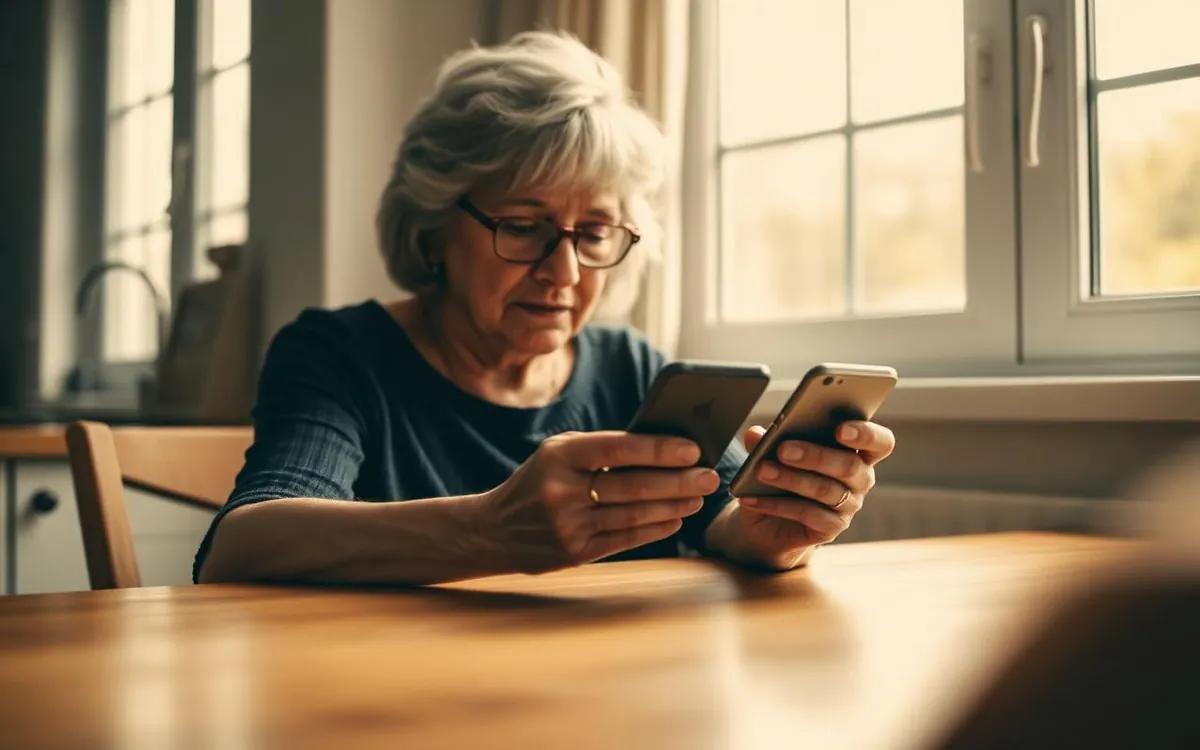
Choosing a new smartphone can feel like navigating a maze, especially with so many excellent options available today. For many of my senior students, the question often boils down to two popular choices from Apple: the iPhone SE and the flagship iPhone 15. But which one truly delivers the best experience for older adults?
 By Suzy Ahn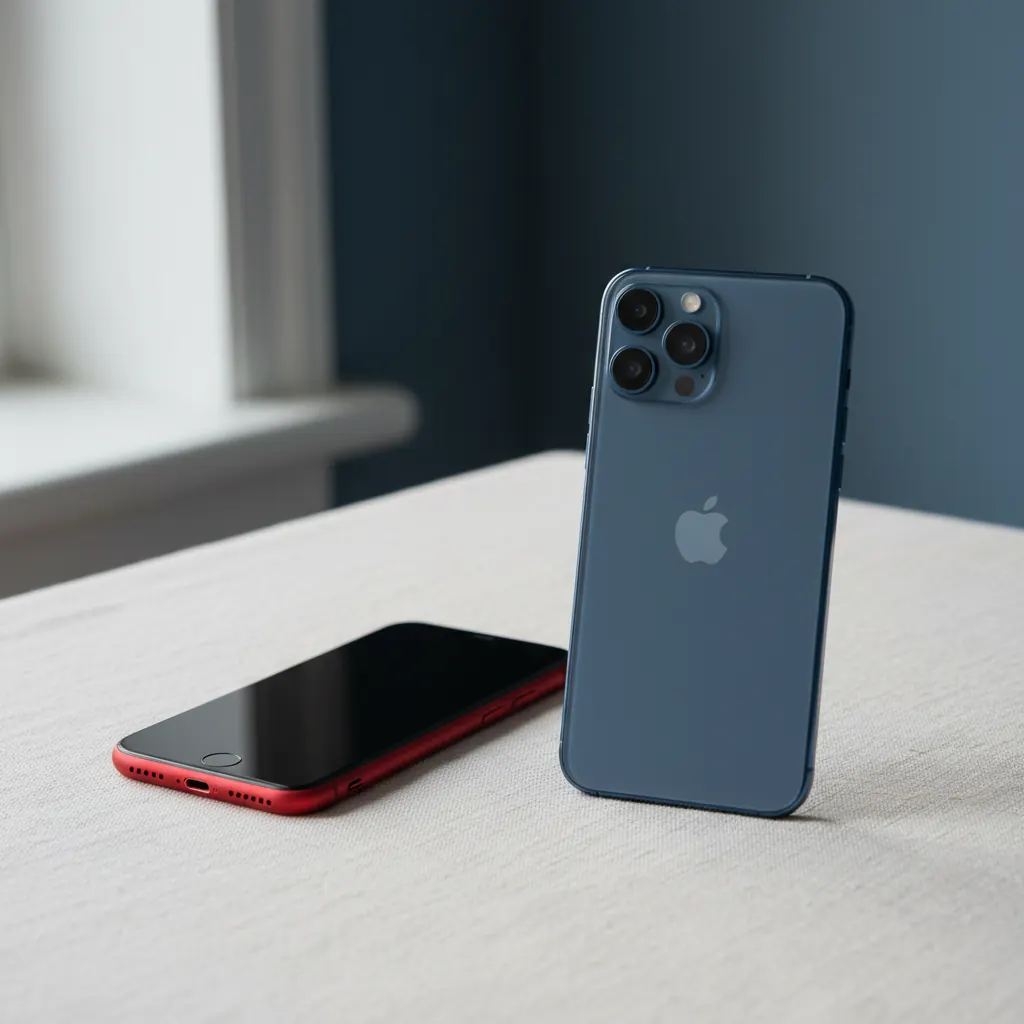
Choosing a new smartphone can feel like navigating a maze, especially with so many excellent options available today. For many of my senior students, the question often boils down to two popular choices from Apple: the iPhone SE and the flagship iPhone 15. But which one truly delivers the best experience for older adults?
For nearly two decades, I’ve had the joy of teaching older adults how to embrace technology—from sending their first email to video chatting with grandchildren miles away. Over the years, one of the most frequent dilemmas I've encountered is selecting the right smartphone. It’s not just about the newest features; it’s about what truly enhances daily life, simplifies communication, and feels comfortable in hand. Recently, a gentleman named Arthur, a spry 82-year-old with a keen interest in photography, came to my class. He’d been using an older Android phone for years but was considering an iPhone after seeing his grandkids effortlessly Facetime on theirs. He was torn between the affordable iPhone SE and the more advanced iPhone 15, worried the latter might be "too much phone." Arthur's dilemma perfectly illustrates the choice many of you might be facing.
Apple’s lineup offers a spectrum of choices, but the iPhone SE (3rd generation, as of my writing) and the iPhone 15 represent two distinct philosophies. The SE champions familiarity and value, while the iPhone 15 showcases cutting-edge innovation. Both run on Apple's intuitive iOS operating system, which is a big plus for seniors due to its consistent interface and strong accessibility features. However, dig a little deeper, and the differences become quite apparent, influencing everything from daily use to long-term satisfaction.
The iPhone SE: A Familiar Friend
Let's start with the iPhone SE. Often dubbed Apple's "budget-friendly" iPhone, the current 3rd generation model is truly a wolf in sheep's clothing. It might look a lot like iPhones from past generations—think iPhone 8, for those of you who owned one—retaining the beloved Home button with Touch ID. For many of my students, this physical button is a game-changer. "I just like knowing where the button is!" remarked Eleanor, a 76-year-old who upgraded from an iPhone 6S last year. She found the swiping gestures of newer iPhones a bit disorienting at first.
Despite its classic exterior, the iPhone SE packs a punch internally. It runs on the A15 Bionic chip, the same powerful processor found in the iPhone 13 series. This means it handles apps, web browsing, and even light gaming with incredible speed and efficiency. You won't experience lag when opening your email or video calling family. This powerful chip also ensures that the iPhone SE will receive software updates from Apple for many years to come, offering peace of mind regarding security and new features. iOS 18, for example, will run beautifully on the SE, bringing new customization options and enhanced intelligence features without missing a beat.
The SE's 4.7-inch Retina HD display is vibrant and clear, perfect for reading large text or viewing photos. It's not an edge-to-edge screen, meaning there are bezels (the black borders) at the top and bottom, which helps prevent accidental touches for those with larger hands or less precise movements. The single 12-megapixel wide camera takes excellent photos in good lighting, more than adequate for social media and family albums. It even supports features like Smart HDR 4, which improves highlight and shadow detail, making your photos look more professional.
Battery life on the SE is respectable, generally lasting a full day of moderate use. It supports fast charging (up to 50% in 30 minutes with a 20W adapter) and even wireless charging, providing modern conveniences in a classic design. For many seniors, the combination of a familiar form factor, robust performance, and a much lower price point makes the iPhone SE an incredibly appealing option. It’s a solid, reliable choice that doesn't overwhelm with unnecessary complexity.
The iPhone 15: A Modern Marvel
Now, let's turn our attention to the iPhone 15. This is Apple's current flagship standard model, representing the pinnacle of their mainstream smartphone technology. From the moment you pick it up, you notice the design difference: a larger, edge-to-edge display, slim bezels, and no Home button. Instead, you unlock it with Face ID (facial recognition) or a passcode, and navigate using intuitive gestures.
The biggest leap for many is the display. The iPhone 15 boasts a 6.1-inch Super Retina XDR display. What does that mean for you? It means incredibly vibrant colors, deep blacks, and spectacular brightness. Reading articles, viewing photos, or watching videos becomes a much more immersive experience. The increased screen real estate is fantastic for anyone who finds smaller text challenging to read, even with accessibility settings. You can fit more information on the screen at once, reducing the need to scroll as much.
Under the hood, the iPhone 15 is powered by the A16 Bionic chip, which was originally in the iPhone 14 Pro models. This is an even faster, more efficient processor than the SE's, offering buttery-smooth performance across the board. While the SE is certainly no slouch, the iPhone 15 feels just a bit snappier, especially when running demanding apps or switching between many applications. Crucially, this also guarantees several more years of software updates compared to the SE, meaning even longer-term support for future iOS versions.
The camera system on the iPhone 15 is a significant upgrade. It features a dual-camera system with a powerful 48-megapixel main sensor and a 12-megapixel ultrawide lens. This allows for incredible detail, vastly improved low-light performance, and features like Photonic Engine and improved Portrait Mode. Arthur, my photography enthusiast student, was absolutely captivated by the quality of photos from the iPhone 15, especially its ability to capture stunning detail even in dimly lit rooms. For those who want to capture life's moments with professional-grade quality, the iPhone 15 truly shines.
Other notable features include Dynamic Island, a clever pill-shaped cutout at the top of the display that intelligently adapts to show alerts and live activities (like incoming calls or music playback). It's a fun, modern touch that makes the phone feel more alive. The iPhone 15 also introduces a USB-C charging port, finally unifying charging cables across many modern devices. While it might mean buying a new cable for some, it’s a standard that will become increasingly common and convenient. Battery life is also excellent, typically offering even more screen-on time than the SE.
Key Differences That Matter to Seniors
Let’s break down the practical implications of these differences for older adults. My experience teaching hundreds of seniors has taught me that certain features truly stand out as either helpful or potentially challenging.
Size and Portability: A Handful vs. a Full View
The iPhone SE is notably smaller and lighter. Its 4.7-inch display and compact body (around 5.45 inches tall) make it incredibly easy to hold in one hand, slip into a pocket, or fit into a small purse. For individuals with smaller hands, or those who prefer a less bulky device, this is a significant advantage. It feels secure and comfortable. Many seniors tell me they appreciate a phone they can discreetly carry and operate without feeling like they
Watch & learn
Recommended video: iPhone vs Android: Which Is Better for Seniors?
A companion tutorial from Senior Tech Club. We link to a YouTube search so you always get a current, working version.
Watch “iPhone vs Android: Which Is Better for Seniors?” on YouTubeOpens a YouTube search in a new tab · Senior Tech ClubKey takeaways
- The iPhone SE (3rd Gen) offers a familiar design with a Home button, good performance, and excellent value, suitable for those prioritizing simplicity and affordability.
- The iPhone 15 features a larger, brighter edge-to-edge display, a more advanced camera, and faster performance, ideal for users who want the latest tech and a premium viewing experience.
- Key considerations for seniors include physical size (SE is smaller, easier to handle), display clarity (15 is brighter and larger), camera quality, and navigation method (SE has Touch ID, 15 uses Face ID and gestures).
- Both phones offer Apple's user-friendly iOS and robust accessibility features, but the iPhone 15 will receive software updates for a longer period due to its newer processor.
- Ultimately, the
Frequently asked questions
- Is the iPhone SE easier to use for seniors than the iPhone 15?
- For many seniors, the iPhone SE might feel more intuitive initially due to its physical Home button and Touch ID, which provide a familiar navigation experience resembling older iPhones. The iPhone 15, on the other hand, relies on gestures and Face ID. While gestures can be learned, some seniors find the tactile feedback of a physical button reassuring. However, both devices run iOS, which offers excellent accessibility features like larger text and zoom, making either phone usable once familiar with the interface.
- Which iPhone has better battery life for older adults?
- Generally, the iPhone 15 offers better battery life than the iPhone SE. Its larger physical size allows for a bigger battery, and its more efficient A16 Bionic chip optimizes power consumption. For seniors who might not always remember to charge their phone daily or who spend more time browsing and calling, the iPhone 15's extended battery life can be a significant advantage. The SE's battery is still good for a full day of moderate use, but the iPhone 15 often lasts longer.
- Is the camera on the iPhone SE good enough for seniors?
- Yes, for most seniors, the 12-megapixel camera on the iPhone SE is more than sufficient. It takes sharp, vibrant photos in good lighting conditions, perfect for sharing with family, social media, and creating digital albums. If a senior is a photography enthusiast, however, and wants superior low-light performance, more detailed images, or advanced features like Portrait Mode with depth control, the iPhone 15's 48-megapixel main camera and additional lenses will offer a noticeably better experience.
- What about the price difference between the iPhone SE and iPhone 15?
- The iPhone SE is considerably more affordable than the iPhone 15. This price difference is often a major deciding factor for seniors on a fixed income or those who prefer not to spend premium prices on technology. While the iPhone 15 offers more advanced features and a newer design, the iPhone SE provides excellent value for its price, delivering a smooth Apple experience without breaking the bank. It's important to weigh whether the additional features of the iPhone 15 justify the higher cost for your specific needs.
- Do both iPhones have good accessibility features?
- Absolutely! Both the iPhone SE and iPhone 15 run on the latest versions of Apple's iOS, which is renowned for its comprehensive suite of accessibility features. These include options for larger text, bold text, zoom, VoiceOver (a screen reader), Magnifier (to use your camera as a magnifying glass), Headphone Accommodations for hearing enhancement, and more. These features are designed to make the iPhone experience user-friendly for individuals with varying vision, hearing, and motor skill needs, ensuring that both models can be highly customized to suit an older adult's specific requirements.