Apps for Seniors · Quick guide
Audiobook Apps for Older Adults: Libby, Audible and Beyond
More and more of my students are discovering the joy of audiobooks. They're a fantastic way to enjoy stories, learn new things, and keep your mind active, all without straining your eyes.
 By Suzy Ahn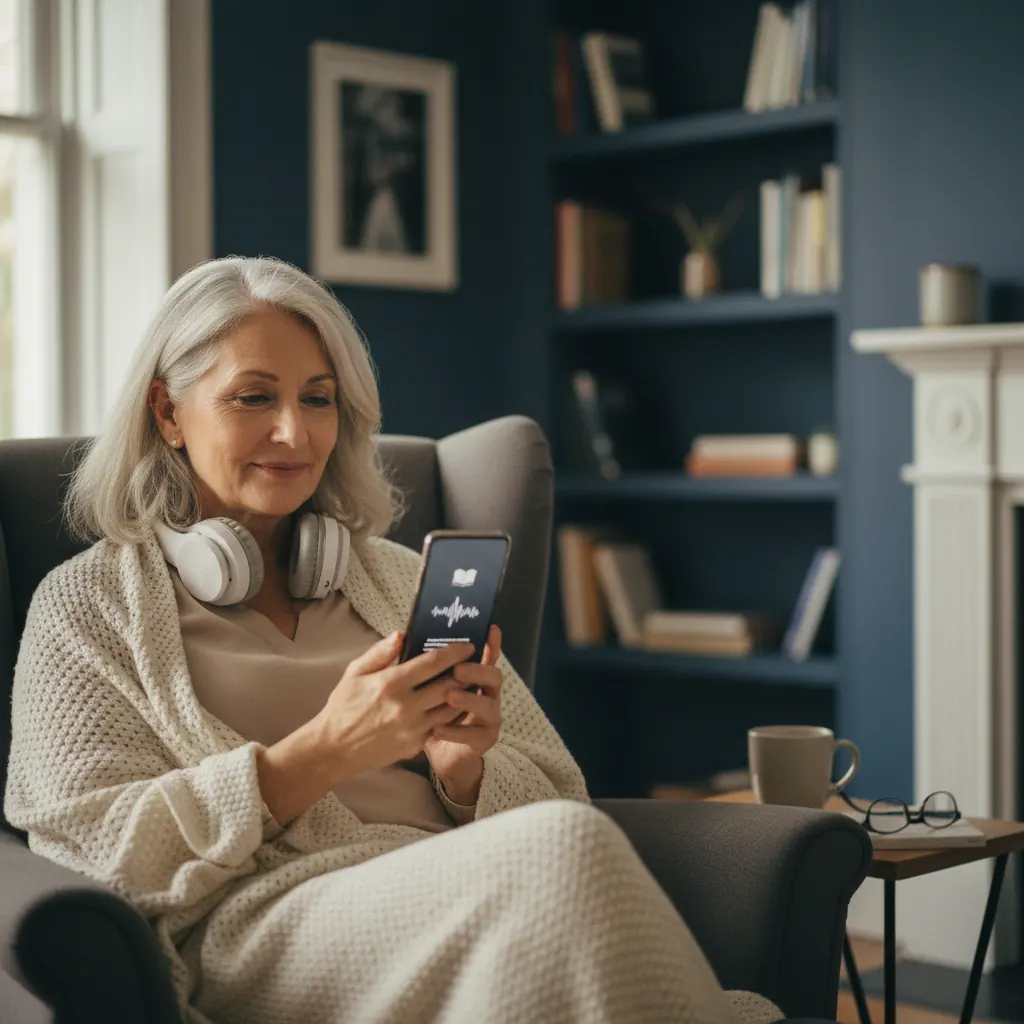
My, how time flies! It feels like just yesterday I was helping Mrs. Henderson, a delightful 82-year-old with a passion for mystery novels, navigate her very first flip phone. Now, most of my students arrive with smartphones that are more powerful than the computers I used for teaching just a couple of decades ago! One of the most common "aha!" moments I see these days is when I introduce them to audiobooks. "You mean I can just *listen* to a book?" a gentleman named Arthur asked last Tuesday, his eyes wide with surprise. "Without holding anything, without even looking at the screen?" Exactly, Arthur! And that, my dear readers, is why I'm so excited to talk about audiobook apps today.
Audiobooks have become a true game-changer for many older adults I've had the pleasure of teaching. They open up a world of stories, learning, and entertainment that might have become less accessible due to vision changes, hand tremors, or simply the fatigue that can come with holding a physical book for extended periods. Imagine being able to "read" your favorite author while you're gardening, washing dishes, going for a walk, or simply relaxing with your eyes closed. It's a wonderful gift of technology, and one I wholeheartedly recommend exploring.
Why Audiobooks Are a Game-Changer for Older Adults
For nearly two decades, I've witnessed firsthand the transformation in how technology can enhance the lives of older adults. Audiobooks stand out as a particularly impactful innovation. Here’s why I believe they’re such a perfect fit:
- Accessibility: For many, reading traditional print can become challenging. Eyesight may not be as sharp as it once was, or conditions like macular degeneration can make focusing on small text difficult. Audiobooks completely bypass this hurdle, allowing you to enjoy narratives and information without eye strain.
- Multitasking Made Easy: Our lives, even in retirement, can be busy! Audiobooks allow you to engage with a story while performing other activities. I've had students tell me they listen while cooking, knitting, walking their dog, or even during lengthy appointments. It's a fantastic way to make the most of your time.
- Mental Stimulation: Keeping our minds active is crucial at any age. Listening to stories, biographies, or educational content in audiobook format provides excellent cognitive exercise. It sparks imagination and keeps you engaged with new ideas.
- Convenience and Portability: Your entire library can fit in your pocket! With a smartphone or tablet, you can carry dozens, even hundreds, of books with you wherever you go. No more lugging heavy paperbacks or struggling with small print on the go.
- Improved Focus and Memory: Several studies suggest that listening to stories can enhance listening comprehension and memory, especially for those who find visual reading tiring. It encourages a different kind of focus.
- Combats Loneliness: For some, the voices of narrators can provide a sense of companionship. It’s like having someone read to you, a comforting presence that can help alleviate feelings of isolation, especially for those living alone.
When I first started teaching, I never imagined I’d be showing folks how to manage an entire digital library from a device that fits in their palm. But here we are, and it’s truly marvelous.
Setting Up Your Device for Audiobooks
Before we dive into specific apps, let’s make sure your phone or tablet is ready. Don't worry, it's usually quite straightforward! If you haven't yet set up your smartphone, you might find my past articles on iPhone Setup for Seniors or Android Setup for Seniors helpful as a refresher.
1. Ensure Good Internet Access
To download audiobooks, you'll need either Wi-Fi or a strong cellular data connection. Wi-Fi is generally preferred for downloading larger files, as it won't eat into your monthly data allowance. Most audiobooks can range from 200MB to over 1GB, so Wi-Fi is definitely your friend here!
2. Check Your Storage Space
Just like any other app or file, audiobooks take up space on your device. Most modern smartphones have plenty of storage for a good number of audiobooks, but it’s always good to check. A typical audiobook might be 300-500 MB. To check your storage:
- On iPhone (iOS 17/18): Go to Settings → General → iPhone Storage.
- On Android (Android 14/15): Go to Settings → Storage.
If you're running low, consider deleting old photos, videos, or unused apps. Just be careful not to delete anything important!
3. Get Comfortable Headphones (Optional, but Recommended!)
While you can certainly listen to audiobooks through your phone’s speaker, a good pair of headphones or earbuds will significantly enhance your experience. They block out background noise and offer better sound quality. Many of my students prefer comfortable over-ear headphones, while others enjoy wireless earbuds. The key is comfort for extended listening. If you use hearing aids, many modern ones can even connect directly to your smartphone!
4. Keep Your Device Charged
Listening to audiobooks, especially for long stretches, can use up your battery. Make sure your device is well charged before you start an audiobook session, or keep it plugged in if you're settled in a comfortable spot.
Libby: Your Free Ticket to Library Audiobooks
Let's start with my absolute favorite recommendation for budget-conscious readers: Libby. This app allows you to borrow ebooks and audiobooks for FREE from your local public library, using just your library card. It’s incredibly popular in my classes, and for a good reason – who doesn't love free books?
What is Libby?
Libby is the user-friendly app from OverDrive, a company that partners with public libraries around the world. Think of it as your digital library card, giving you access to thousands of titles without stepping foot outside your home. The best part? No late fees – books simply return themselves automatically!
How to Get Started with Libby:
- Download the App:
- For iPhone/iPad: Open the App Store, search for "Libby, by OverDrive," and tap GET.
- For Android: Open the Google Play Store, search for "Libby, by OverDrive," and tap Install.
- Find Your Library: The first time you open Libby, it will ask if you have a library card. Tap Yes. It will then try to guess your library based on your location, or you can search for it by name or zip code.
- Enter Your Library Card Information: Once you find your library, you'll be prompted to enter your library card number (sometimes with a PIN, which is often the last four digits of your phone number or your birth year – if you’re unsure, call your library!).
- Browse and Borrow: Now you're in! You can browse by genre, search for specific titles or authors, and filter by "audiobooks." When you find one you like, you can "Borrow" it if available, or "Place a Hold" if it's currently checked out. Just like physical books, libraries have a limited number of digital copies, so sometimes there's a wait.
- Download and Listen: Once borrowed, the audiobook will appear on your "Shelf." Tap on it to download it to your device and start listening. You can adjust playback speed, set a sleep timer (perfect if you listen in bed!), and bookmark your place.
A few weeks ago, Mrs. Chang proudly showed me her Libby app, packed with historical fiction audiobooks. "I
Watch & learn
Recommended video: How to Use WhatsApp — Senior-Friendly Guide
A companion tutorial from Senior Tech Club. We link to a YouTube search so you always get a current, working version.
Watch “How to Use WhatsApp — Senior-Friendly Guide” on YouTubeOpens a YouTube search in a new tab · Senior Tech ClubKey takeaways
- Audiobooks provide an accessible and convenient way for older adults to enjoy books without eye strain.
- Libby, in partnership with your local library, offers free access to a vast collection of audiobooks with just a library card.
- Audible, Amazon's premium service, provides a massive selection of audiobooks, original content, and professional narration with a subscription model.
- Hoopla Digital is another library-based app offering audiobooks, movies, music, and comics with no wait lists.
- Ensure your device has good internet access, sufficient storage, and consider comfortable headphones for the best listening experience.
Frequently asked questions
- How much do audiobook apps cost?
- Libby and Hoopla are free with your public library card. Audible requires a monthly subscription, which typically includes credits for purchasing audiobooks.
- Do I need Wi-Fi to listen to audiobooks?
- You need Wi-Fi or cellular data to download audiobooks. Once downloaded to your device, you can listen to them offline without an internet connection.
- Can I use audiobook apps with my hearing aids?
- Yes! Many modern hearing aids can connect to your smartphone via Bluetooth, allowing you to stream audiobook audio directly to your aids. Check your hearing aid's manual or consult your audiologist for specific instructions.
- What happens if I forget my library card PIN for Libby or Hoopla?
- If you forget your library card PIN, you'll need to contact your local public library. They can help you reset it or provide the correct information.
- Can I return an audiobook if I don't like it?
- With Libby and Hoopla, borrowed audiobooks automatically return themselves after their loan period, so there's no need to 'return' them manually. With Audible, purchased audiobooks are yours to keep, but they do have an exchange policy if you're unhappy with a title, often within a year of purchase.